Windows VST3
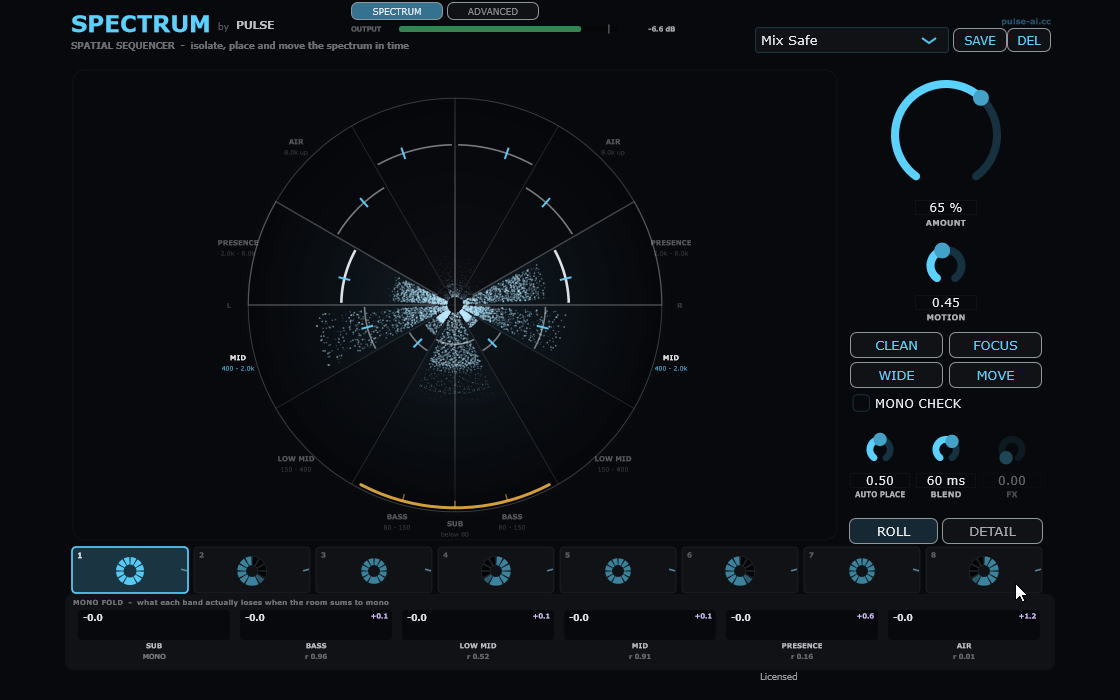
Six bands. Decide where each one is allowed to play.
—
ONE PAYMENT · YOURS TO KEEP
- ✓Six-band stereo field, as a circle rather than a row of numbers
- ✓CHROMA — places each bass note by how far it sits from your key
- ✓Mono compatibility enforced by the engine and shown on the dial
- ✓ADVANCED: draw a loop on the circle and the sound travels it, in time with your track
- ✓One payment. Not a subscription, no expiry
- —Windows only, VST3.
- —The installer is not code-signed, so Windows warns on first run (More info → Run anyway).
Windows VST3
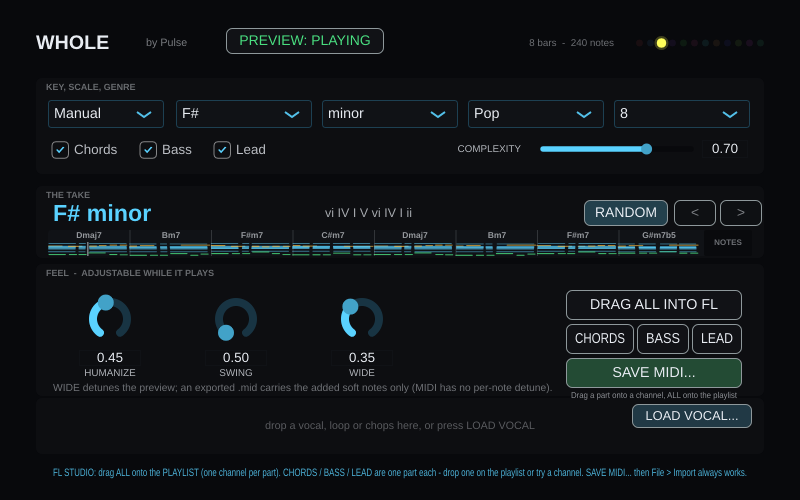
Chords, bass and a top line that fit each other — and fit your vocal.
—
ONE PAYMENT · YOURS TO KEEP
- ✓9 genres (new: UK Garage), 9 scales: chords in rhythm, a bass line and a melody
- ✓Chords on or off: the bass and lead still follow the progression, in key
- ✓Drop a vocal on it: reads the melody and offers the keys it might be in
- ✓Seeded — the same take comes back when you reopen the project
- ✓Drag all parts at once, or chords, bass and lead one by one, or save a MIDI file
Windows VST3
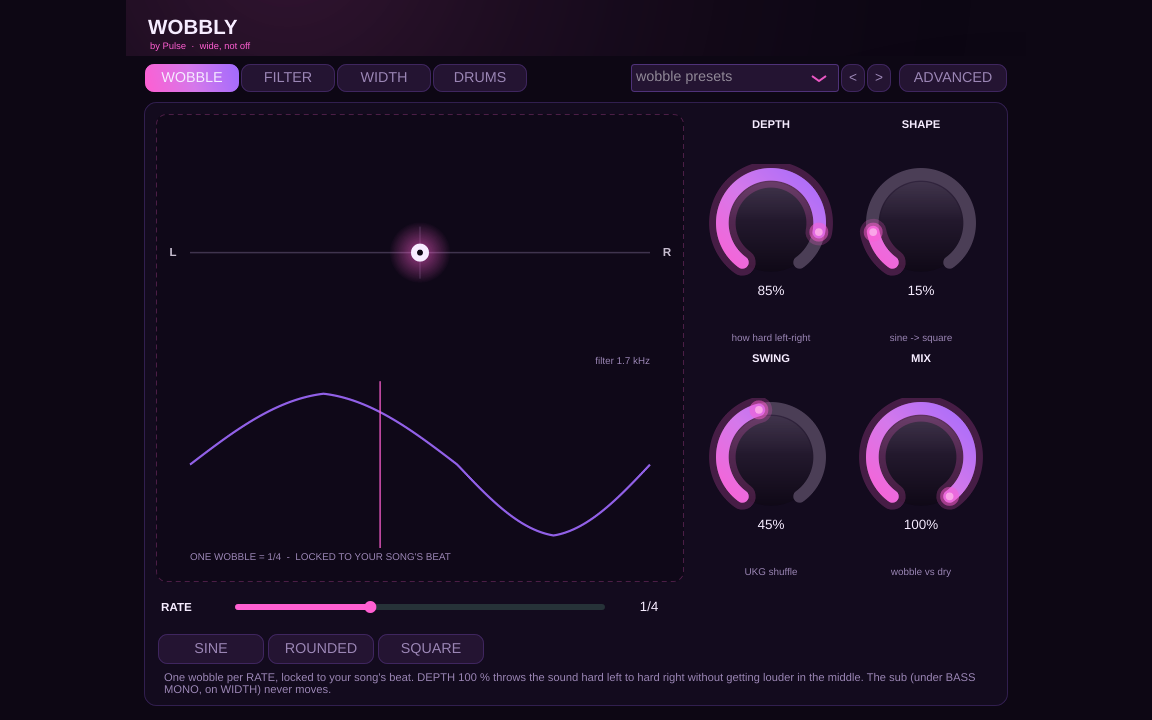
Wobbly, underwater UKG texture — wide and detuned, and still in tune.
—
ONE PAYMENT · YOURS TO KEEP
- ✓A filter wub and a hard left-right throw, locked to your song's beat
- ✓Wub, resonance, vowel talk and bite; drum follow opens it on your kick
- ✓24 presets, plus ADVANCED: the original Wobbly with every page and 44 presets
- ✓The sub stays mono and untouched, so a wide bass still reads on a phone
- ✓New in 0.14.2: ADVANCED keeps the body of a bass — its low split no longer thins the low-mids
Windows VST3
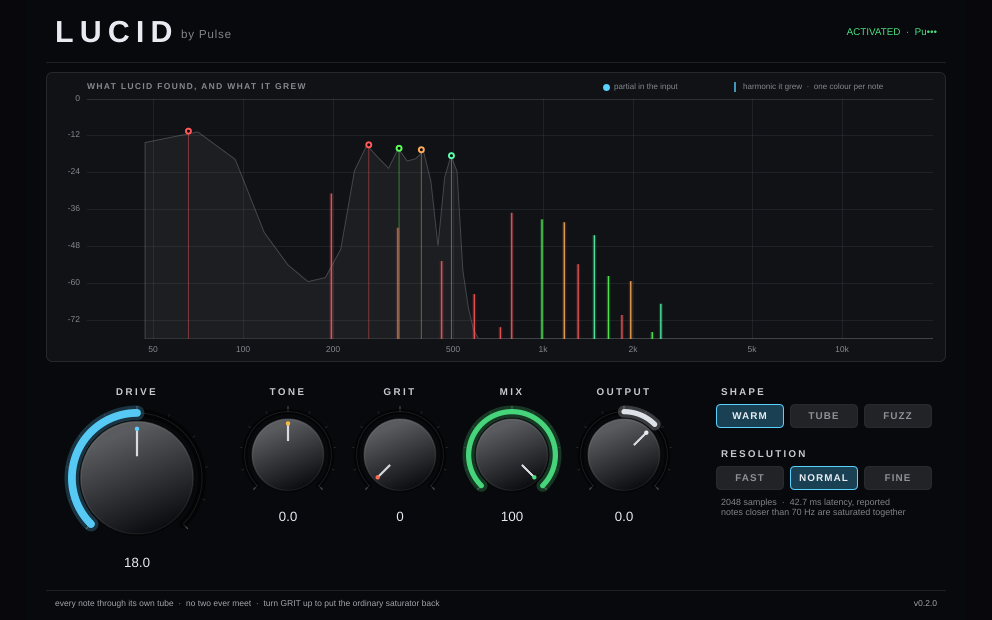
Polyphonic saturation — every note through its own tube, so chords stay clear.
—
ONE PAYMENT · YOURS TO KEEP
- ✓Seven controls: DRIVE, SHAPE, TONE, GRIT, MIX, OUTPUT and RESOLUTION
- ✓Three saturation shapes (WARM, TUBE, FUZZ) and three quality settings (FAST, NORMAL, FINE)
- ✓Chords stay clear: 43.8 dB less intermodulation than a classic saturator on a four-note chord
- ✓Ten factory presets, including a one-click A/B against an ordinary saturator
- ✓Windows VST3, with an uninstaller
Windows VST3
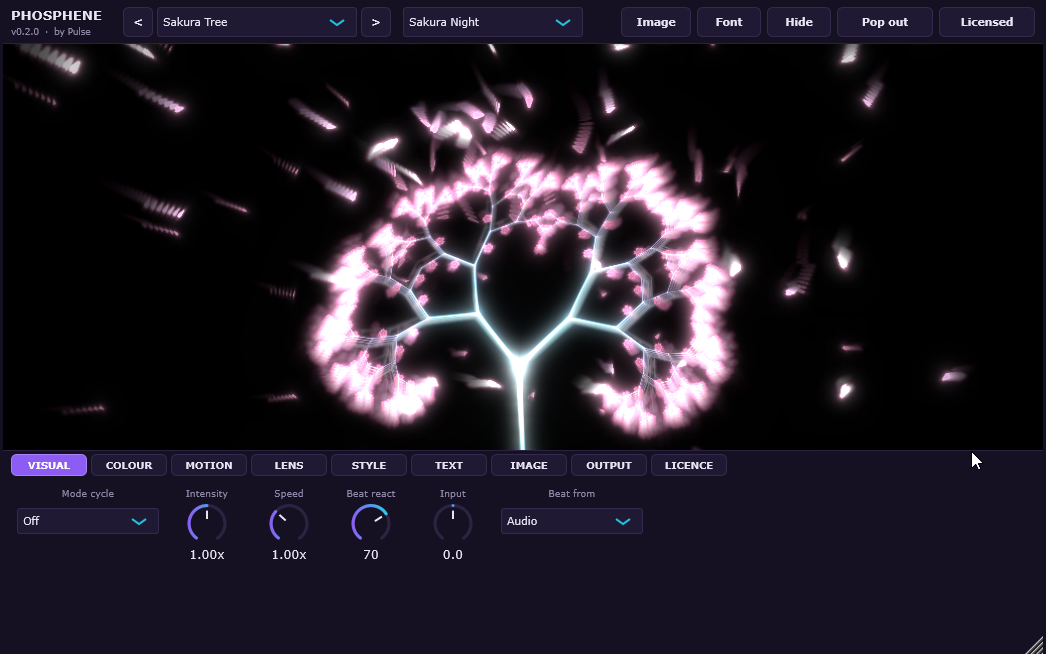
Turn your music into visuals without leaving your DAW — locked to the beat, with your logo, your lyrics and your colours.
—
ONE PAYMENT · YOURS TO KEEP
- ✓66 visual modes: spectrum bars, oscilloscope beams, wireframe cube and globe, synthwave, nebula, a neon sakura tree dropping its petals, aurora, a summoning circle, an arcane portal, cymatics sand that forms the figure of the note being played, eleven Vex designs and a game where Vex dodges meteorites
- ✓Scenes: play your own sequence of visuals, or let the Auto-director cut between modes, palettes and effects to the energy of your song
- ✓Record video: the picture and the sound go straight into a video file (AVI) while the song plays
- ✓25 effects — glass, mosaic, CRT, VHS, glitch, kaleidoscope, trails, bloom, strobe — and 21 colour palettes
- ✓Drop in your own picture: the oscilloscope beam traces your logo, and your cover art spins inside a ring of spectrum bars
- ✓New in 0.5.5 — Trip: your picture and the visual melt into each other. They breathe with the bass, drift on a slow liquid current, float and turn, colour waves roll through them, and anything that moves leaves afterimages. Trip presets: Melt, Breathing Walls, Liquid Dream, Kaleido Bloom, Afterglow Trails, Floating, Come Up and Peak
- ✓Image blend: melt your picture into the visual instead of laying it on top — blend styles the music moves (soft light, double exposure, stencil, displace, chroma split, neon edges, melt and more), one-pick blend presets and a Random button
- ✓Lyrics and titles in your own font, stepped by DAW automation, every few beats, or timed from an .lrc file
- ✓Every control automatable from your DAW, 43 factory presets, and a pop-out window for a second screen or your streaming software
- ✓Windows VST3, with an uninstaller
- —Without a licence everything works, but the picture carries an UNLICENSED mark. The audio is never changed.
- —Activating needs the internet once per computer (Sign in with Pulse, or paste your key) and covers three computers. After that Phosphene works offline. A studio PC with no internet activates with a request file from your Store page.
- —Windows VST3 only, and it needs a graphics card with OpenGL 3.2 (any PC from the last ten years). Without it the window says so, and your audio is never affected.
- —Recorded videos are AVI files in your Videos folder (Phosphene). To stream the picture live, capture the pop-out window with your streaming software.
- —The installer is not code-signed, so Windows warns on first run (More info → Run anyway).
Windows VST3
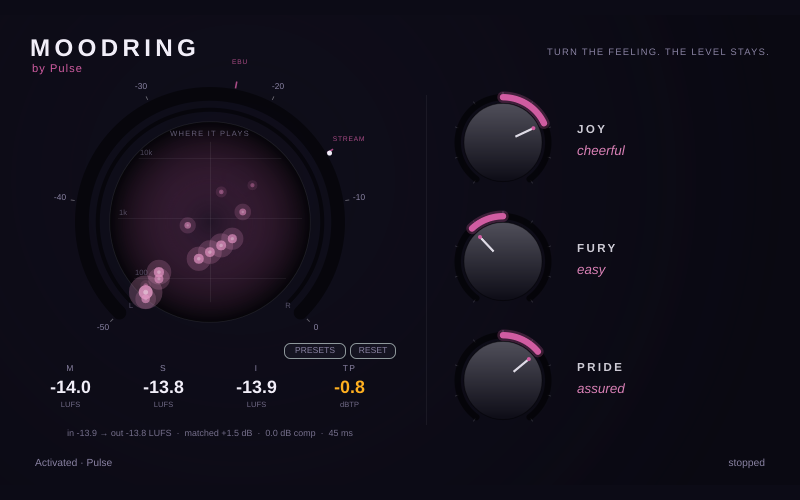
Three knobs named after feelings — joy, fury, pride — change how a sound feels without changing how loud it is.
—
ONE PAYMENT · YOURS TO KEEP
- ✓Three controls — JOY, FURY, PRIDE — each one a coordinated move across a dozen engine parameters
- ✓An EBU R128 / ITU-R BS.1770-4 loudness meter: 19 conformance checks pass, and the Tech 3341 tones measure within 0.01 LU
- ✓A 24-band display that shows where the sound is playing across the stereo field, not just how loud it is
- ✓The level stays put while you turn the knobs — the loudness match reads the same detectors the meter draws
- —Without a licence it is a bit-exact passthrough — the meter and the display still work, so it is a genuine free demo rather than a nag screen.
- —Windows VST3 only. No MIDI, no sidechain, no modulation.
- —Not yet on sale — the price has not been set.
Windows VST3
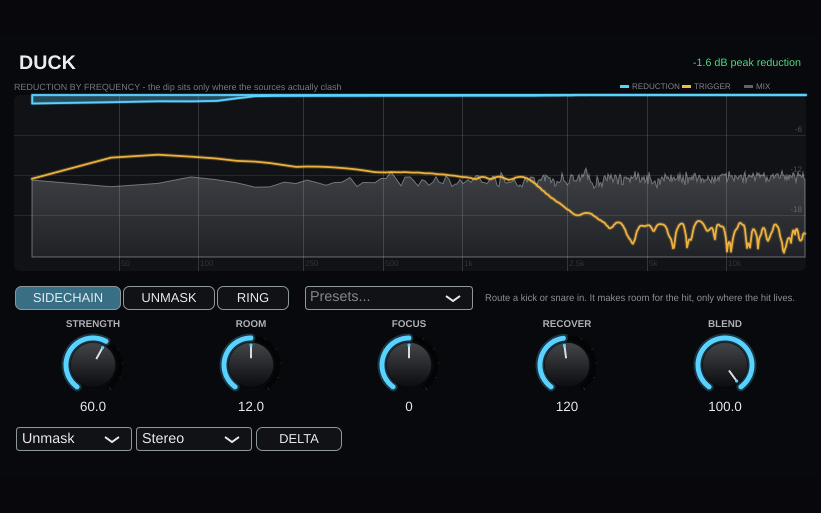
Put it on the kick and the snare, then on everything else. Everything else makes room, only in the frequencies each hit has.
—
ONE PAYMENT · YOURS TO KEEP
- ✓Two roles and nothing to route: TRIGGER on the kick, snare or clap, DUCK on everything else
- ✓Spectral: takes away only the frequencies each hit has, in 32 bands from 30 Hz to 16 kHz
- ✓Measured on a guitar at AMOUNT 12 dB: a kick takes its 80 Hz down 10 dB and its 4 kHz not at all; a snare takes its 4 kHz down 8 dB and its 80 Hz 1.3 dB
- ✓Zero latency, so there is nothing to line up, and a trigger's own sound stays untouched
- ✓One click leaves a trigger out, and a sidechain cable counts as one more trigger
- ✓Whole mode for a classic pump, with AMOUNT and RELEASE on the panel
- —Activating needs the internet once per computer (Sign in with Pulse, or paste your key) and covers three computers. After that Duck works offline. A studio PC with no internet activates with a request file from your Store page.
- —Ducks hear each other when your DAW runs them in one process, as FL Studio does by default. If yours keeps plugins apart, the panel says so; route a sidechain cable there.
Windows VST3
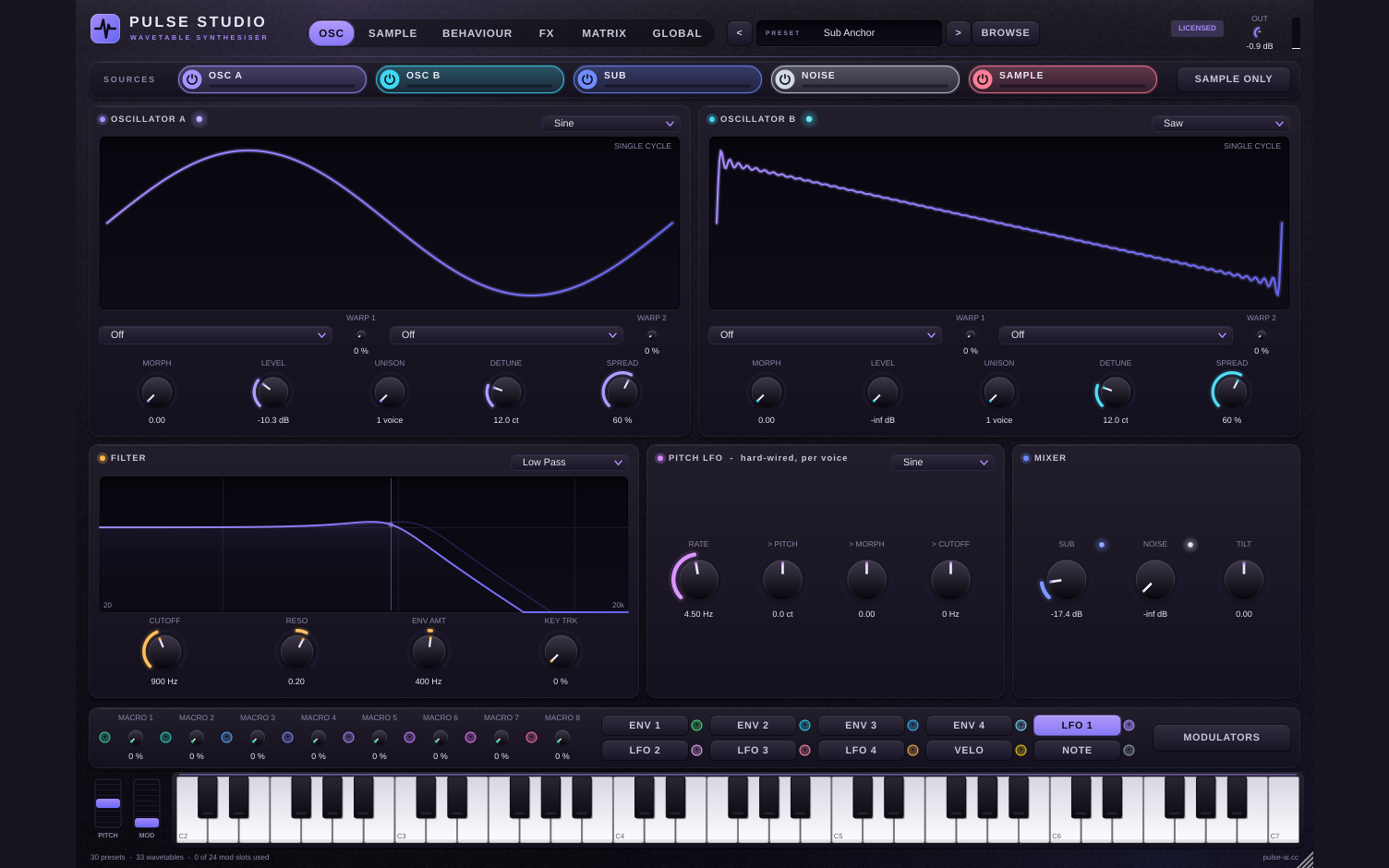
Wavetable synth and sampler — 33 wavetables, 212 parameters, 145 presets.
—
ONE PAYMENT · YOURS TO KEEP
- ✓33 wavetables and 212 parameters
- ✓145 factory presets across 11 packs
- ✓New in 3.12: an on/off switch on every sound source (Osc A, Osc B, Sub, Noise, Sample), and a sample you load plays on its own
- ✓Envelopes drawn as Attack, Hold, Decay, Sustain, Release, each saying what it drives; effects as a signal chain, one at a time with a live picture
- ✓Three sampler engines — Sample, Granular (up to 48 grains per voice) and Slice — with 48 bundled one-shots, a sustain loop and warp from oscillator B
- ✓Windows VST3, installs to the shared VST3 folder
Windows & Linux VST3
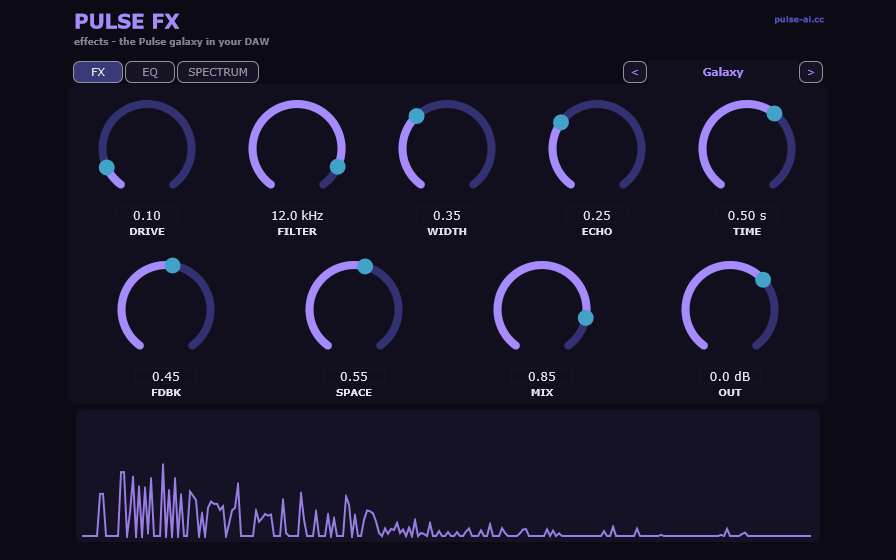
The effects suite that comes with Pulse. Not a demo of anything.
—
- ✓Drive, Filter, Width, Echo and Space with a live spectrum
- ✓Runs on your machine — no account check to open a session
- ✓Free — you do not need a Pulse plan to use it